
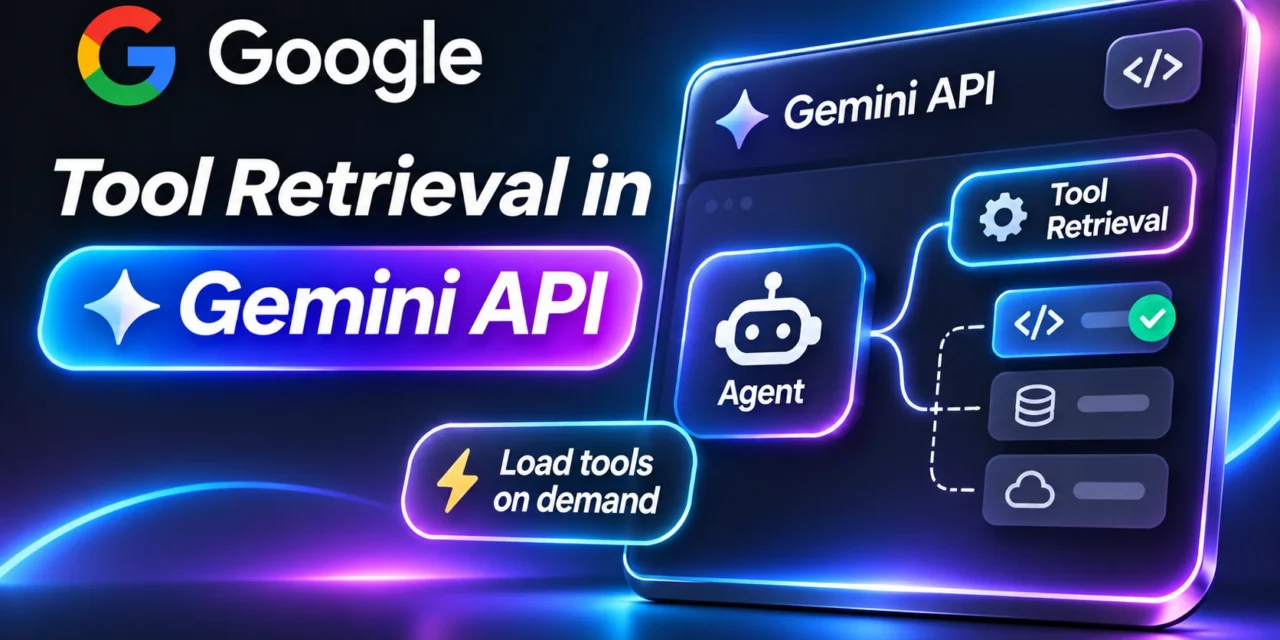
Google has launched Tool Retrieval in preview in the Gemini Interactions API. It lets an AI agent keep a large library of tools on standby and load each tool’s full details only when a task calls for it. The aim is to cut input tokens and keep tool choices accurate as agents grow.
This article covers what the feature does, how to turn it on, how the client-side option works, what it costs and where the limits are. The details come from a Google blog post dated November 19, 2026, written by Lucia Loher and Nora Kassner. The savings claims are Google’s own and depend on your usage, so test them on your own traffic.
Quick summary
- What’s new: Tool Retrieval, in preview in the Gemini Interactions API.
- The problem it solves: Sending every tool’s full parameter schema with every request inflates token counts, adds delay and lowers tool-selection accuracy.
- How it helps: The model sees each deferred tool’s name and description, and the full schema loads only when needed.
- Setup: Add a tool_search tool and set defer_loading to true on tools you want to hold back.
- Cost: No separate charge. Standard token rates apply.
Key facts at a glance
| Area | Details |
|---|---|
| Announcement date | November 19, 2026 |
| Status | Preview |
| Where it works | Gemini Interactions API |
| Supported models | Gemini 3.6 and later, including all Gemini 4 models |
| Main switch | defer_loading: true on chosen tools |
| Search location | Server-side by default, client-side optional |
| Extra charge | None, only standard input and output tokens |
| MCP support | Yes, remote MCP servers can be deferred |
1. The problem with big tool libraries
When an agent connects to dozens or hundreds of tools, each request carries every tool’s parameter schema. Google says this raises input token counts, adds latency and makes it harder for the model to pick the right tool from a long list.
2. How Tool Retrieval works
You add a tool_search tool to your request and mark the tools you want to hold back with defer_loading. The model still sees every deferred tool’s name and description, so it knows what exists, but the parameter schemas stay out of the prompt.
When the model needs a tool, it asks for it by name, the API loads the full schema, and the model makes the call. All of this happens inside one request. Google’s example is a refund tool: a user reports a damaged order, the model searches for the refund function, receives its schema and then calls it with the order number and amount.
The response shows each step, including the search call, the search result and the final function call. That makes it easier to debug tool names and descriptions.
3. No index to build
Gemini runs the search on its servers, so you don’t have to build or host an index. Your code changes are small: the new tool and a flag on the tools to defer. Google suggests keeping your most-used tools loaded up front and deferring the rarely used ones.
It also works well with prefix caching. Because deferred schemas stay out of the start of the prompt and loaded ones are added later, the cached beginning of the conversation stays the same from turn to turn.
4. MCP server support
The feature also works with remote MCP servers. If you set defer_loading on an MCP server tool, every tool that server exposes is loaded on demand. That lets you connect a large server without listing each tool by hand.
5. Client-side retrieval
Teams with their own tool registry, embedding index or per-user permission filter can run the search themselves. You declare the search tool with client-side execution and define your own search parameters. Each search adds one round trip because your app runs the lookup.
Tools don’t have to be declared upfront in this mode, so you can add new ones mid-conversation, for example when a user connects a new integration.
6. Pricing
There’s no separate charge. Input and output tokens are billed at the normal rates for your model. Turning on tool search adds a small, fixed block of input tokens. Each schema the model loads is billed as input for the rest of the conversation, just like a tool declared up front.
Google says you save tokens when the schemas you never load outweigh the ones you do, which is usual for large libraries. It advises measuring against your own traffic.
What this says about AI agents
- Agents are outgrowing simple setups. Dozens of tools per agent are now common enough to need dedicated tooling.
- Context is expensive. Keeping prompts lean saves cost and improves accuracy.
- Tool selection is a bottleneck. More options can make a model worse at choosing.
- Platforms are standardizing patterns. Deferred loading and MCP support are becoming expected features.
Why this matters
- For developers building agents: Lower token use and cleaner prompts as tool counts rise.
- For companies with many internal tools: A way to expose a large registry without bloating every call.
- For MCP users: Big servers become easier to connect.
- For rival platforms: Pressure to offer similar on-demand tool loading.
Things to keep in mind
- It’s a preview. Behavior and limits may change.
- Savings aren’t guaranteed. If your agent loads most of its tools anyway, the gain shrinks.
- There’s a fixed overhead. Tool search adds a small block of input tokens.
- Client-side search adds latency. Each lookup is one more round trip.
- Model support is limited. It requires Gemini 3.6 or later in the Interactions API.
Tips if you want to try it
- Keep your most frequently used tools undeferred.
- Write clear tool names and descriptions, since the model chooses from those.
- Check the step output to see which tools the model considered.
- Measure token use before and after on real traffic.
- Use client-side search only if you need custom filtering or per-user permissions.
Frequently asked questions
What is Tool Retrieval? A Gemini API feature that loads a tool’s full schema only when the model needs it.
How do I turn it on? Add a tool_search tool and set defer_loading to true on the tools to hold back.
Does it cost extra? No. Standard token rates apply, plus a small fixed block when tool search is on.
Which models support it? Gemini 3.6 and later, including all Gemini 4 models, in the Interactions API.
Does it work with MCP servers? Yes. Deferring an MCP server tool loads its tools on demand.
Can I run my own search? Yes. Client-side retrieval lets your app handle the lookup.
Is it production-ready? It’s in preview, so check Google’s documentation before relying on it.
Conclusion
Tool Retrieval gives Gemini developers a simple way to keep large tool libraries without paying for every schema on every request. The server-side option needs little setup, and the client-side option suits teams with custom registries. The benefits depend on your traffic, so run your own measurements. Watch for the move from preview to general availability.
Note: This article is based on a Google blog post by Lucia Loher and Nora Kassner, dated November 19, 2026, rewritten in my own words.