
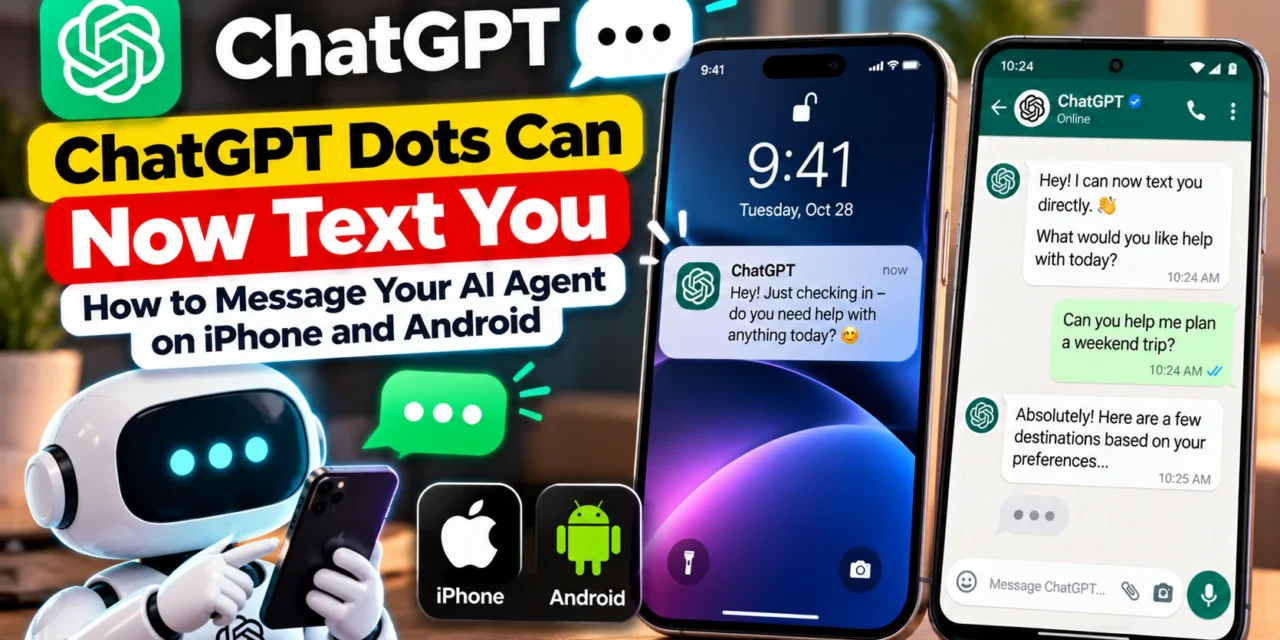
OpenAI wants its AI agents to be easier to reach during the day. Instead of opening the ChatGPT app every time you need help, you can now contact your “Dot” through the messaging app already on your phone, using iMessage on iPhone or RCS on Android.
This article explains what Dots are, how the new texting feature works, how to set it up, who can use it, and what the privacy details are. The details come from an NDTV Profit report dated October 29, 2026, which cites OpenAI’s announcement on October 28.
Quick summary
- What’s new: You can text your ChatGPT Dot through iMessage (iPhone) or RCS (Android).
- What you can send: Text instructions, photos, and voice notes.
- What you get back: Proactive text updates about tasks and things you asked it to watch.
- Who can use it: A preview for eligible ChatGPT Pro subscribers in the United States.
- Other countries or plans: Not announced.
What are Dots?
OpenAI introduced Dots in September as always-available AI agents designed to handle ongoing work. They can remember previous interactions, so you can continue tasks without repeating your instructions.
The new texting feature builds on that. You can give a Dot a task to take off your plate, or something to keep an eye on, and it can text you with updates when something needs attention.
What can you send to your Dot?
|
Type |
Example use |
|---|---|
|
Text instructions |
“Watch for a reply to my email and let me know” |
|
Photos |
Send a picture of a receipt, a menu, or a document for it to work with |
|
Voice notes |
Speak a quick request while you’re busy |
These examples are illustrations of how the feature could be used. OpenAI’s announcement only describes sending text, photos, and voice notes.
How to message your ChatGPT Dot
Eligible users can follow these steps:
- Open ChatGPT and go to your Dot’s profile.
- Select the Texting option.
- Make sure your messaging is turned on. iPhone users need iMessage enabled. Android users need RCS messaging enabled.
- Follow the on-screen setup.
- Start texting your Dot from your regular messaging app.
OpenAI says the messaging feature shares the same memory and plugins as the Dot in ChatGPT. That means the agent keeps context across both places.
Who can use it?
|
Item |
Detail |
|---|---|
|
Availability |
Rolling out now as a preview |
|
Plan |
ChatGPT Pro |
|
Region |
United States only |
|
Other countries and tiers |
Not announced |
What about privacy?
OpenAI shared these points about how texting works:
- Only you can text your Dot, and your Dot can only text you.
- It does not give the agent access to your other text conversations.
- A third-party provider is involved. OpenAI uses a messaging provider called Linq to send and receive messages.
- Security: OpenAI describes the connection as safe and secure.
If you are privacy-conscious, consider what you send in messages, since they pass through a messaging provider. Check OpenAI’s privacy information for details on how messages are handled.
Why this matters
- AI that comes to you. Instead of opening an app, you hear from your agent when something needs attention.
- Familiar interface. Texting is something almost everyone already does.
- Ongoing tasks. Agents that follow up and send updates can handle longer-running work.
- A shift in how we use AI. Assistants may move from tools you open when you have a question to helpers that check in with you.
Things to keep in mind
- It is a preview. Features can change, and there may be bugs.
- Limited availability. Only eligible US Pro users can try it for now.
- Reliability is the real test. The report notes that it will matter how well Dots handle ongoing requests.
- Comfort level. Some people may not want an AI agent to take a more active role in their daily routines.
- Check your messages carefully. Don’t share sensitive information unless you are comfortable with how it is handled.
- Notification overload. Proactive messages can add up, so check settings for how often your Dot contacts you.
Tips for using it well
- Start with a small task, like tracking a package or a reminder.
- Be specific about what you want and when you want updates.
- Review important updates yourself before acting on them.
- Keep sensitive details out of text messages.
- Turn off texting if you no longer need it.
Frequently asked questions
What is a ChatGPT Dot? An always-available AI agent from OpenAI, introduced in September, built to handle ongoing work and remember past interactions.
How do I text my Dot? Open your Dot’s profile in ChatGPT, choose Texting, and make sure iMessage (iPhone) or RCS (Android) is enabled.
Can I send photos and voice notes? Yes. You can send text, photos, and voice notes.
Who can use it? Eligible ChatGPT Pro subscribers in the US, as a preview.
Can my Dot read my other texts? No. OpenAI says the feature does not give the agent access to your other text conversations.
When will it reach other countries? OpenAI has not said.
Conclusion
Texting your Dot is a small feature with a big idea behind it: AI agents that reach out to you instead of waiting for you to open an app. For now it is limited to Pro users in the US, so most people will have to wait. If it works reliably and privately, it could make AI assistants feel more like a helpful colleague than a website you visit.
Note: This article is based on an NDTV Profit report by Umaim Khan dated October 29, 2026, rewritten in my own words. Please check OpenAI’s announcement for the latest availability and setup steps.